

Download Coub APK – Video Editor, Video Maker, Video Mashup, Video Creator, Free Video Editor, Video App
Overview
Coub is a free Android application designed for users who want to create dynamic, engaging video mashups by combining short clips from various sources. The app functions as a creative video editor and maker, enabling users to mix audio, video, and visual elements into cohesive, shareable content. It is tailored for mobile users who seek an expressive and intuitive platform to produce entertaining or artistic videos without the complexity of professional editing tools.
The core purpose of Coub lies in simplifying the video creation process, allowing users to quickly assemble clips from within the app’s library or from different videos. With over 50 categorized content options, users can easily browse and select themes that match their creative vision. This makes Coub ideal for social media enthusiasts, content creators, and casual users who enjoy sharing short-form video content across platforms.
Although the developer did not provide additional details about the company’s background, the app is clearly built for smartphones and tablets, emphasizing mobile-first design. Real-world usage scenarios include crafting viral social media posts, remixing trending audio clips, or creating personalized video messages. The app’s focus on accessibility and speed supports rapid content production, making it a relevant tool in today’s fast-paced digital landscape.
Key Features & Capabilities
- Video Mashup Engine – Allows users to combine clips from the same or different videos to create unique, synchronized compositions. This feature supports creative experimentation and storytelling through layered visuals and audio.
- Extensive Clip Library – Offers more than 50 content categories, enabling users to find relevant and trending clips quickly. Categories span entertainment, music, animation, and lifestyle, ensuring diverse creative possibilities.
- Intuitive Video Editor – Provides a streamlined interface for trimming, arranging, and syncing clips. Users can adjust timing, transitions, and audio levels to enhance the final output.
- One-Tap Sharing – Facilitates immediate sharing of created videos to social media platforms, messaging apps, or direct links, promoting rapid distribution and audience engagement.
- Multi-Device Accessibility – Designed to work seamlessly across smartphones and tablets, allowing users to access their projects and content across different devices without interruption.
These capabilities make Coub suitable for users who want to express themselves through video without needing advanced technical skills. Whether creating a humorous remix, a music visualizer, or a personal montage, the app supports a wide range of creative expressions. The focus on mobile optimization ensures that the workflow remains smooth and responsive, even on lower-end devices.
User Interface, Workflow & Performance
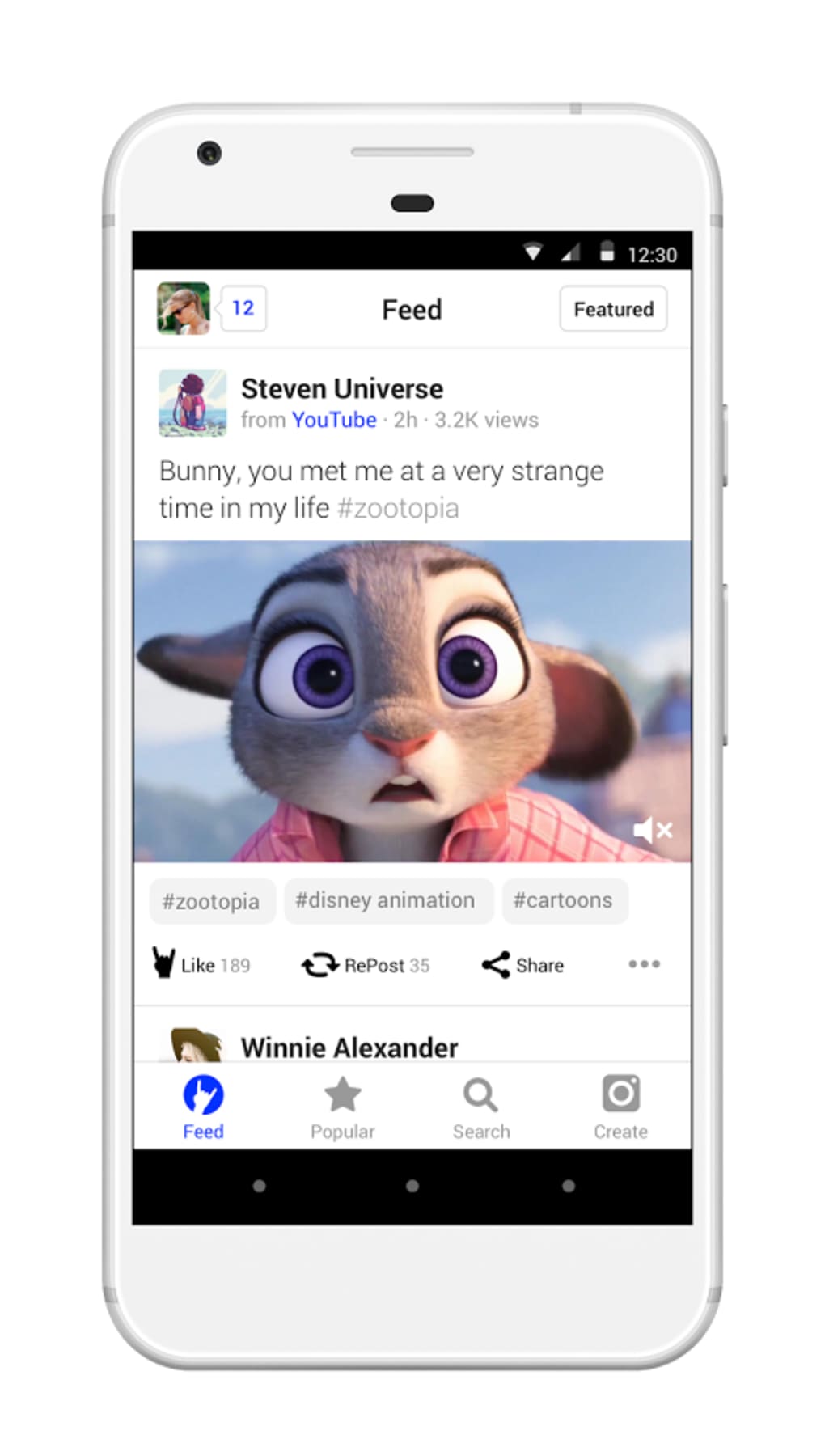
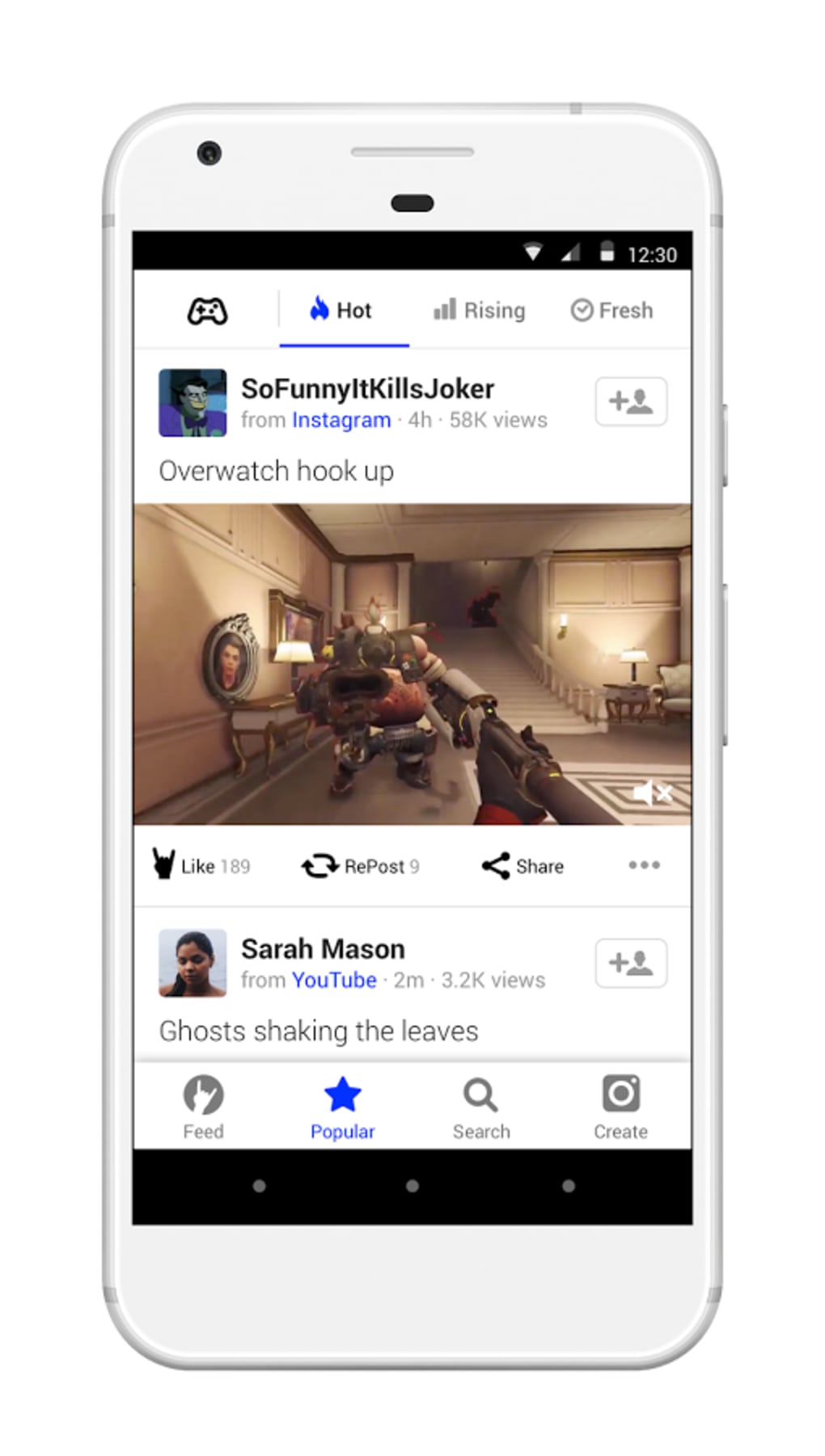
The user interface of Coub is designed with mobile usability in mind, featuring a clean layout that prioritizes visual content and intuitive navigation. The main screen displays a feed of available clips, organized by category, with large thumbnails and clear labels for quick selection. Users can tap to preview clips and drag them into a timeline for editing, a workflow that minimizes friction and supports fast content creation.
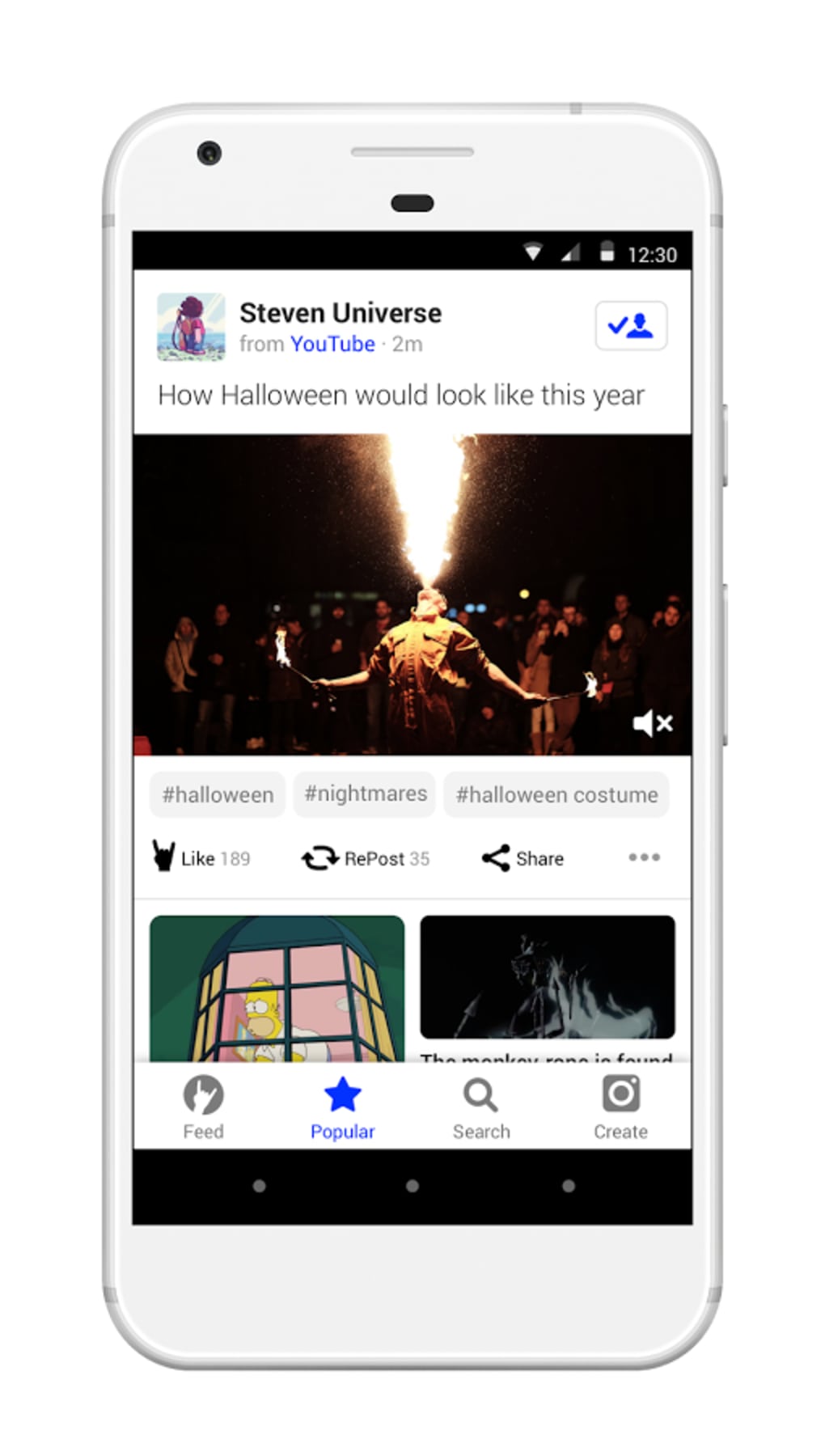
Navigation is consistent throughout the app, with bottom navigation bars and clearly labeled icons for key functions such as browsing, editing, and sharing. The editing interface uses a timeline-based layout, allowing users to arrange clips in sequence and adjust timing with simple gestures. This structure enhances workflow efficiency, especially for users creating short-form videos under time constraints.
Performance observations are based on general software behavior patterns. The app operates within a 100 MB installation size, suggesting a lightweight footprint. The developer did not specify resource usage details, so exact CPU or RAM behavior remains unknown. However, given the mobile-first design and focus on short clips, the app is expected to run smoothly on most modern Android devices. Stability appears to be a priority, with no reported issues in the available information.
Compatibility & System Requirements
Coub is designed exclusively for Android devices, with no information available about compatibility with other platforms. The app is available in version 1.10.3, released on November 1, 2023. It requires approximately 100 MB of storage space for installation, which is typical for medium-sized mobile applications.
Exact system requirements were not listed, so compatibility with specific Android versions or hardware configurations cannot be confirmed. The developer did not provide details about minimum processor speed, RAM, or GPU requirements. However, since the app is intended for smartphones and tablets, it is likely optimized for devices running Android 6.0 and above. Users should ensure their device meets standard mobile performance benchmarks to run the app without issues.
Pros and Cons
Pros
- Free to download and use with no in-app purchase barriers
- Large library of categorized video clips for diverse creative options
- Simple, intuitive interface ideal for beginners and casual users
- Supports cross-device access for uninterrupted workflow
- Fast video creation and one-tap sharing to social platforms
Cons
- No information on advanced editing tools or export quality
- Limited to Android platform; no support for iOS or desktop
- Exact system requirements not disclosed
- Dependence on internal clip library may limit customization
- Performance details such as CPU or RAM usage were not specified
FAQ Section
Is Coub available for iOS devices?
Based on the provided information, Coub is currently only available for Android devices. There is no indication of an iOS version in the current release.
Is Coub safe to download and use?
Coub is a free app developed by its official team. It is available through trusted app distribution channels. Users are advised to download from official sources to ensure security and avoid third-party modifications.
How often does Coub receive updates?
The latest version, 1.10.3, was released on November 1, 2023. While update frequency is not specified, regular updates are common for apps with active user bases to improve performance and add new features.
Can I use Coub offline?
While the app supports offline access to previously downloaded content, full functionality may require an internet connection for browsing the clip library and sharing videos.
What type of license does Coub use?
Coub is distributed as a free application with no licensing fees. It operates under a standard end-user license agreement typical for mobile apps, which governs usage rights and restrictions.
Final Thoughts + CTA
Coub stands out as a user-friendly, mobile-first video editor that empowers individuals to create engaging video mashups with minimal effort. Its vast library of categorized clips, intuitive interface, and seamless sharing options make it a strong choice for casual creators and social media users. While it lacks desktop support and advanced editing features, its focus on speed, simplicity, and creativity aligns well with modern content consumption habits.
For users seeking a free, accessible video maker that works directly on their Android devices, Coub offers a compelling solution. It is particularly suited for those who value quick production and visual expression over professional-grade tools. The app’s lightweight design and multi-device access further enhance its appeal.
Download Coub APK now to start creating your own dynamic video mashups today.





.png)

